The 30-Second Habit That Could Protect Your Digital Life
Most cyberattacks don't start with sophisticated hacking tools. They start with weak passwords. If your password looks something like "Arjun@123" or "Password123," it may be time for a security upgrade.
DIGITAL SAFETY
ZxtarAI
5/26/20262 min read
The 30-Second Habit That Could Protect Your Digital Life
Let's start with a quick reality check.
Would you lock your house with a key that millions of people also have?
Probably not.
Yet many of us protect our digital lives with passwords that are surprisingly easy to guess. Names, birthdays, favorite cricket players, and predictable combinations like "Arjun@123" remain among the most common choices.
The problem? Hackers know this too.
Why Weak Passwords Are Dangerous
Your password is often the first line of defense protecting your:
Email accounts
Banking apps
Social media profiles
Online shopping accounts
Work systems
Cloud storage
If a cybercriminal gains access to one account, they may be able to access several others—especially if you reuse the same password everywhere.
That's why password security matters more than ever.
What Makes a Strong Password?
A strong password should be:
✅ Long
✅ Unique
✅ Difficult to guess
✅ Different for every account
Instead of using predictable passwords like:
❌ Arjun@123
❌ India@123
❌ Password123
❌ Welcome@123
Try using a passphrase. For example:
✅ MangoTrain!River89Sky
It's longer, harder to guess, and easier to remember than a random string of characters.
The Biggest Mistake: Reusing Passwords
Imagine using the same key for your house, car, office, and locker. If someone steals that key, everything becomes accessible. The same principle applies online.
If one website suffers a data breach and you've reused that password elsewhere, attackers may try the same credentials across multiple services.
This is known as credential stuffing - and it works more often than people realize.
Use a Password Manager
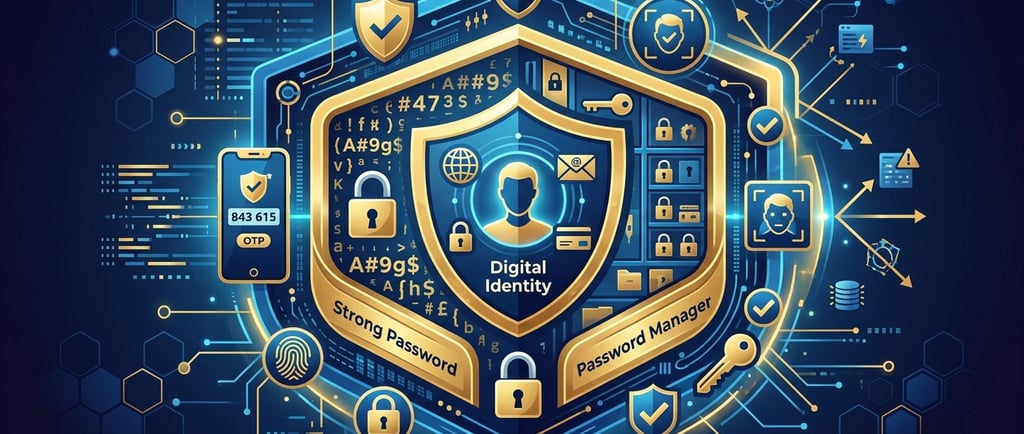
Remembering dozens of strong passwords isn't realistic. That's where password managers help.
They can:
Generate strong passwords
Store them securely
Autofill login details
Reduce the temptation to reuse passwords
You only need to remember one strong master password.
Don't Forget Multi-Factor Authentication (MFA)
Even the strongest password can be compromised.
Adding Multi-Factor Authentication (MFA) provides an extra layer of security by requiring a second verification step, such as a code sent to your phone or generated by an authenticator app.
Think of it as adding a second lock to your front door.
Final Thoughts
Cybersecurity doesn't always require advanced technical knowledge. Sometimes, the simplest habits make the biggest difference.
A strong, unique password combined with Multi-Factor Authentication can significantly reduce your risk of becoming a victim of cybercrime.
So the next time you're creating an account, remember: "Arjun@123" isn't a password. It's an invitation.
#CyberSecurity #PasswordSecurity #CyberAwareness #OnlineSafety #DataProtection #DigitalTrust #InfoSec #CyberHygiene #MFA #PasswordManager #CyberRisk #DigitalSecurity #PrivacyAwareness #CyberTips #StaySecure
Disclaimer: This article is intended for educational and awareness purposes only. Security requirements may vary based on individual and organizational needs. Always follow your organization's cybersecurity policies and best practices.
© ZxtarAI - Empowering Digital Trust Through AI, Privacy, Security, and Governance Insights